News
3 ways to improve scientific report assessments



Share with colleagues
Download the full Case Study
Take an in-depth look at how educators have used Cadmus to better deliver assessments.
In large classes, it’s often a team of tutors that design and manage assessments. Rebecca Hull, Academic Teaching Specialist and PhD candidate in BioSciences at The University of Melbourne, has been involved with this process over the years in her role as head tutor in laboratory- and field-based subjects. She has faced the challenges that come with creating and managing assessments, from teacher and student perspectives alike. Having used Cadmus to deliver assessments in subjects, she shares some ideas for science educators looking to improve assessment in their subjects.
---
In our second year BioSciences subject, students write a scientific essay (750-words). Looking for new ways to streamline the delivery of our assessment and support students in developing their scientific writing, we turned to Cadmus. I see much scope for students to use Cadmus in other subjects to complete scientific reports following research projects or field studies. Based on my experiences in laboratory- and field-based subjects, here are some ways Cadmus can help other educators with scientific report assessments.
1. Bring your instructions and resources into one place
My favourite feature of Cadmus is the delivery of information; all instructions and resources can be provided to students within Cadmus. Students view these assessment instructions as soon as they log in, and alongside the space where they write and edit their report. You can include additional resources (e.g., instructions for accessing journal articles or presenting data) as attachments to the instructions.
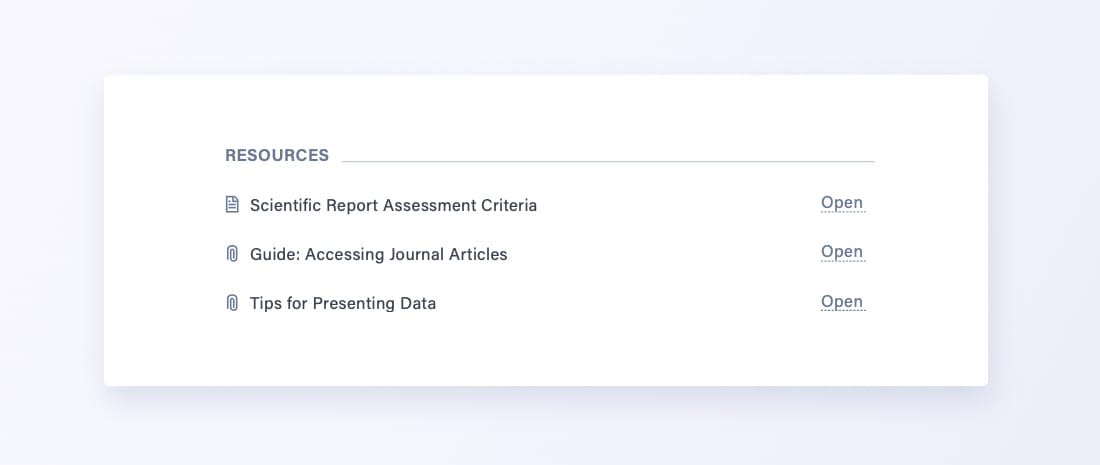 An example of resources attached for students to access through Cadmus
We provide a ‘How-to Guide’ to assist students to write their reports, but feel many students could make better use of this resource. This guide includes various tips and instructions e.g., “The Abstract needs to come first”, or “Titles should reflect your study, are often descriptive, and should be as succinct as possible.” You can adapt this information for the Cadmus assessment instructions so students can compare their work side-by-side with the expected approach, and you can present this information to students as a checklist or encourage students to generate their own list using the information. For clarity and to avoid duplication, I recommend including the assessment criteria with this checklist.
From my discussions with students, many struggle to find all the instructions and supporting material for their scientific report, especially when provided in multiple locations. With information split between the practical manual, different folders online and websites, it’s no wonder we get countless “Where do I find...” questions from students. We find Cadmus an easy way to provide all the information relating to assessment in one location — saving us from all those questions in the long-term!
2. Stagger instructions to encourage consistent engagement
Instructions in Cadmus are live, so students will see any updates staff make immediately. This means you can build instructions over time or stagger the release of content. In one subject, we run a practical class following the field trip where students analyse their data for the Results section. With Cadmus, you can guide students’ preparation between the field trip and this practical class, so more students arrive prepared and better engage during class. You can instruct students to enter and collate their data, and prepare a specific component of their report (e.g., the Methods) before their practical class.
To guide students’ writing, you can provide the rubric for that specific section. If students struggle to make sense of the rubric or information available, you can try an instructional approach:
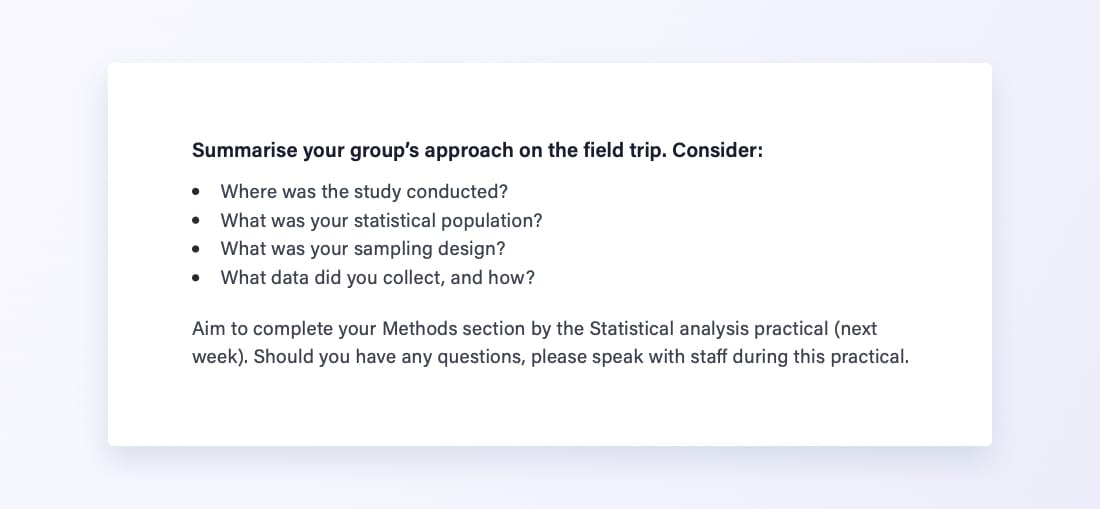 Instructions added to Cadmus to provide more guidance to students
3. Keep students on track with Learning Analytics
Another helpful feature of Cadmus is Learning Analytics, which provide class-level engagement data. Following the field trip, this data, such as resources accessed or mean words written, can be used as a proxy for student engagement and progress. You can use these insights to remind students to access specific resources available within Cadmus or to assist students manage their time. You can prompt students to engage regularly and consistently, and you can provide students with small milestones:
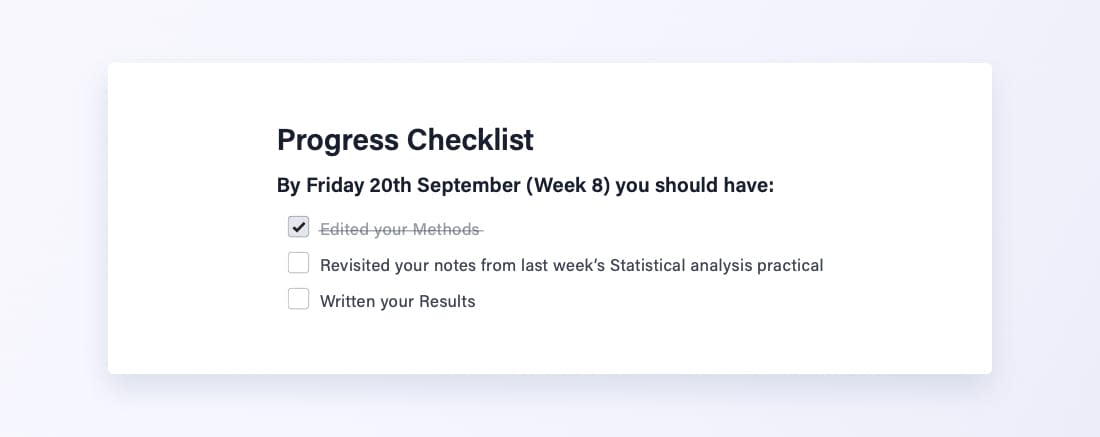 A sample checklist in Cadmus with tasks for students to complete for the week
In my experience, many students start their scientific report at the last possible moment. You can use Cadmus to support students to begin writing their scientific reports earlier, or at least, complete some sections (e.g., Methods, Results) soon after the field trip or at an appropriate stage in their research project. Learning Analytics can also help to identify when students are least engaged, providing us with more confidence to follow-up in class or through Cadmus.
Category
Assessment Design
More News
Load more


Product
How we use data at Cadmus
Being online creates new opportunities to understand how learning happens. Discover how Cadmus uses data to support learning, improve assessment design, and build transparency and trust across every stage of the assessment process.
Cadmus
2026-03-31



Academic Integrity
Leadership
Why detection-first integrity strategies are becoming a sunk cost for universities
In this article, Founder & Co-CEO Herk Kailis puts language to a growing tension across institutions: as the market leans further into detection, the response risks becoming more reactive than strategic. Through a commercial lens, he explores how this is beginning to resemble a classic sunk cost trap, and why the stronger long-term play is to design assessments that are harder to game in the first place.
Herk Kailis, Founder & Co-CEO, Cadmus
2026-03-30


Product update
Company
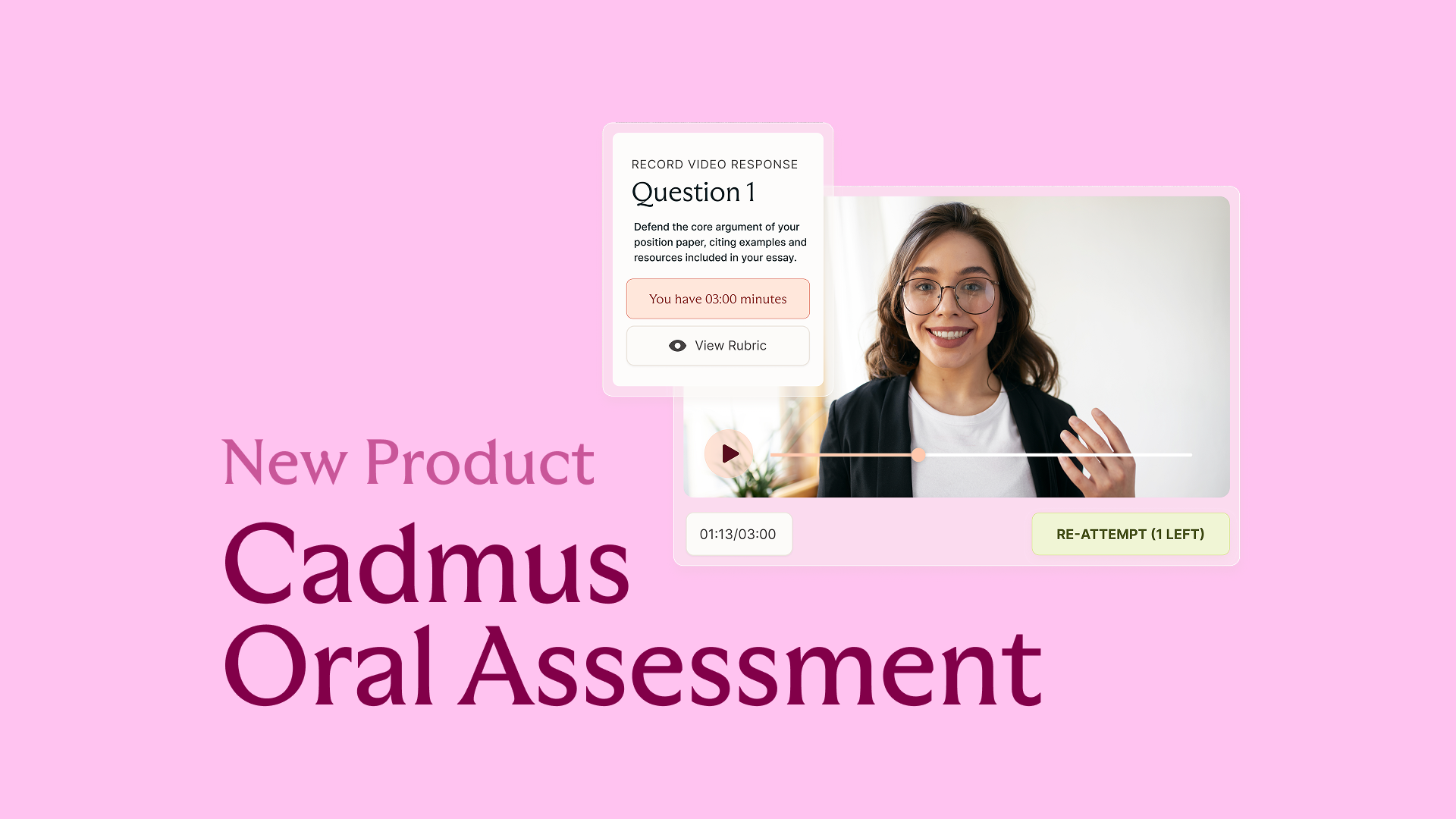
Introducing Cadmus Oral Assessment: Scalable assurance for an AI‑enabled world
Cadmus introduces Oral Assessment: a new approach to strengthening assessment assurance in an AI-enabled world. Starting with scalable, asynchronous vivas, this phased solution embeds targeted oral explanation directly into assessment workflows to provide more credible evidence of student learning.
2026-03-19